




Plans change by the hour
A delivery slips or a priority shifts, and the whole crew needs to know what happens next before they drive out.

Put every task, punch-list item, and handoff in one place your crew can check
from the field, so nothing waits on a phone call that never happened.
14-day free trial • No credit card required

Why It Matters
Project managers, supervisors, and crews on one plan
Clear ownership from task to completion
Quick and simple setup, ready before the next shift
The Problem
A delivery slips or a priority shifts, and the whole crew needs to know what happens next before they drive out.
On site, in the office, and across multiple jobs. Keeping updates current across all of it is a job in itself.
A detail that lives in one person's head turns into a lost day, and a lost day costs money.
The Platform
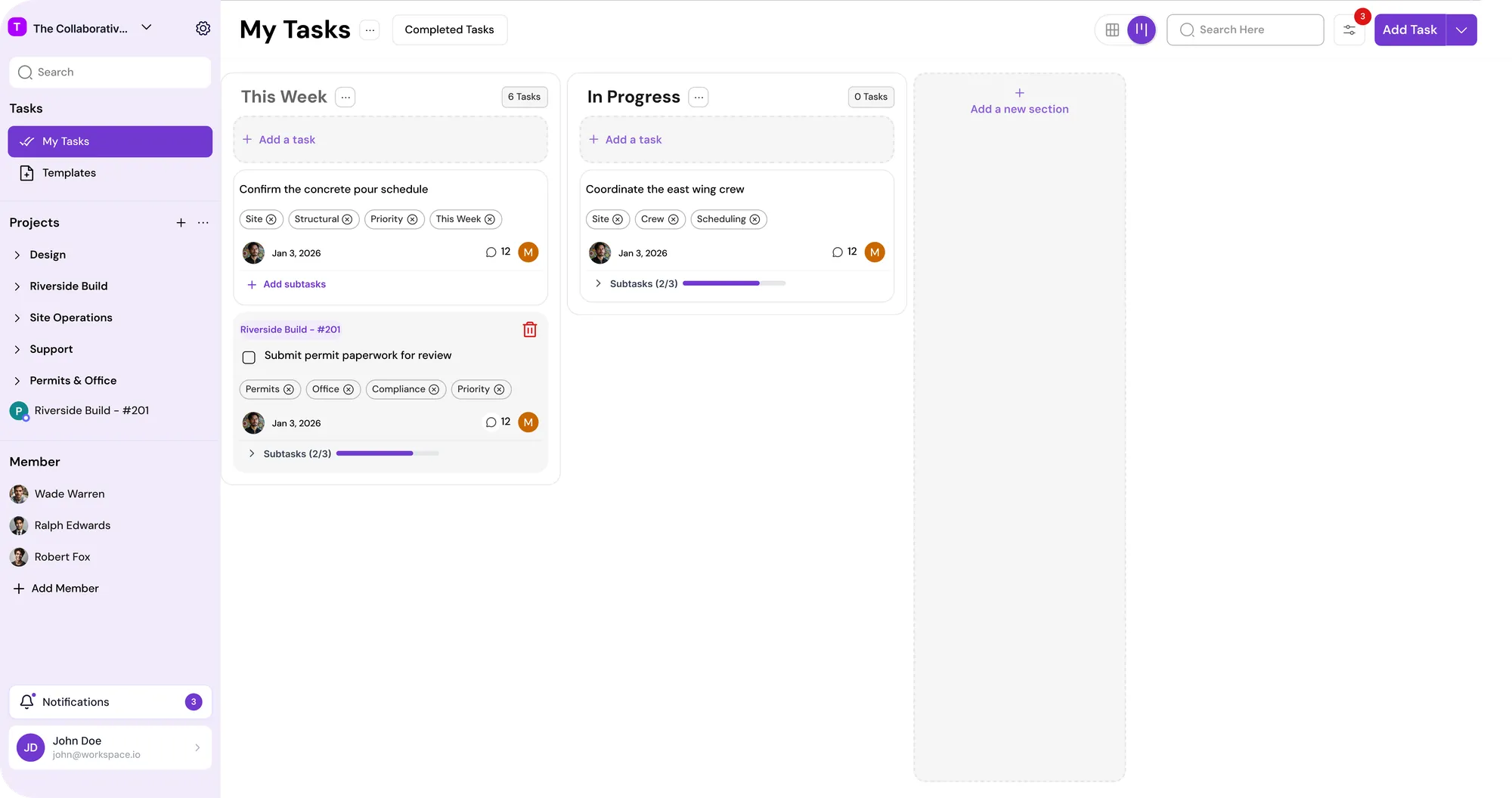
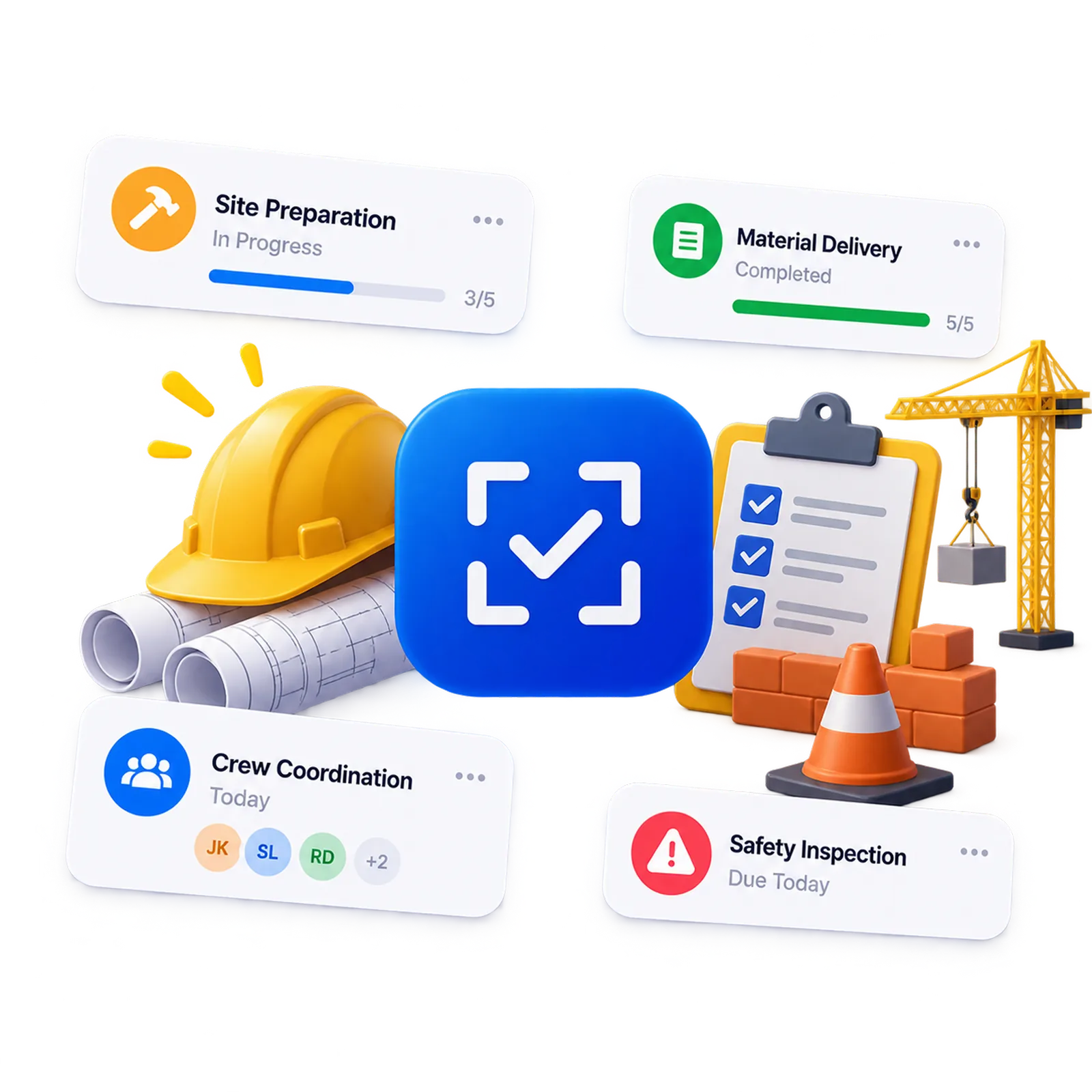
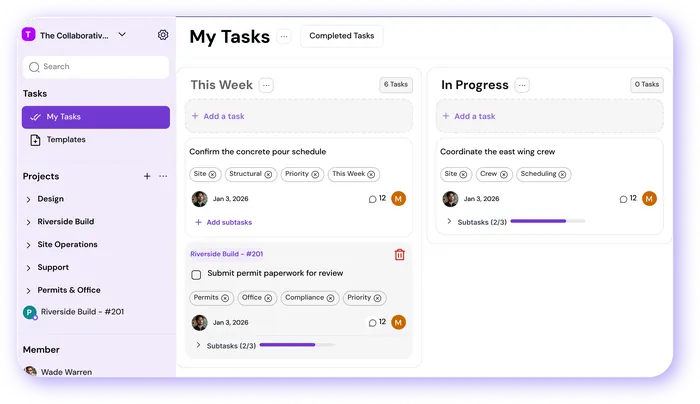
Create tasks fast, set due dates, assign owners, and break big jobs into clear subtasks the crew can close out one at a time.
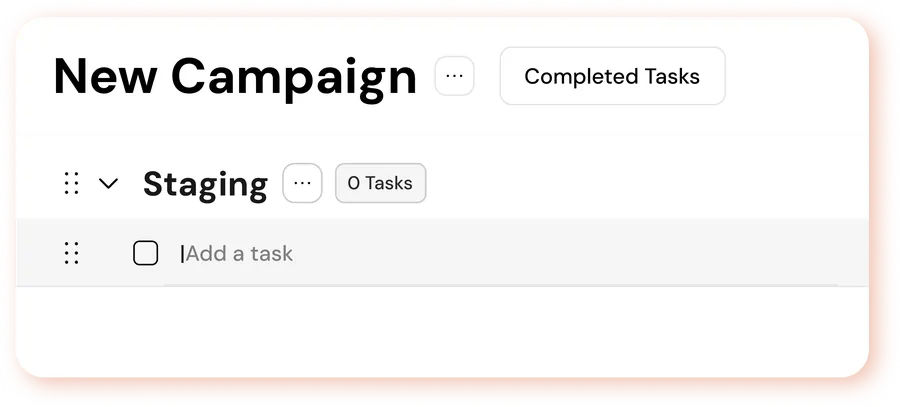
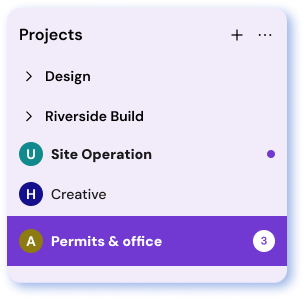
Each project gets sections for site prep, framing, finish, and inspection, so the right work is easy to find on any job.
The PM watches work move across stages on the Board. The foreman opens the List and sees everything due today.
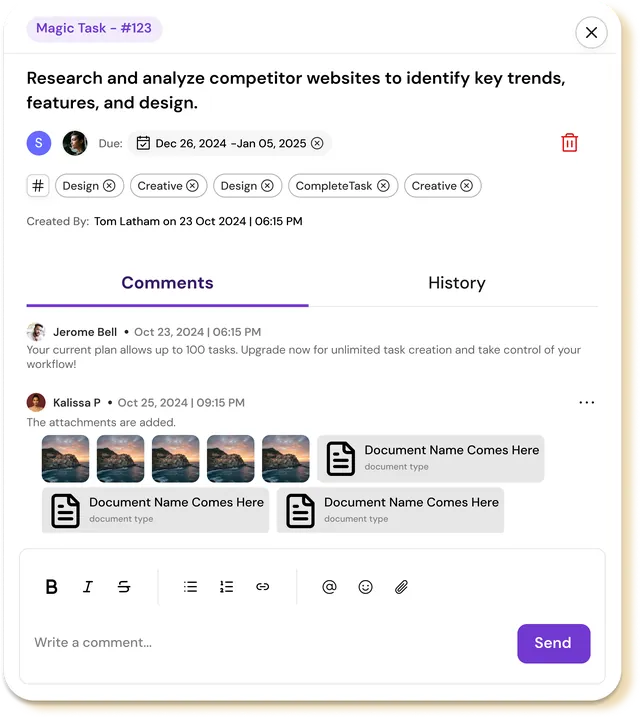
Drawings, photos, and instructions attach to the task, so the crew works from the current version instead of a text from last week.
Someone is out, a material is late, a task gets blocked. Reassign it in a click and the job keeps moving.
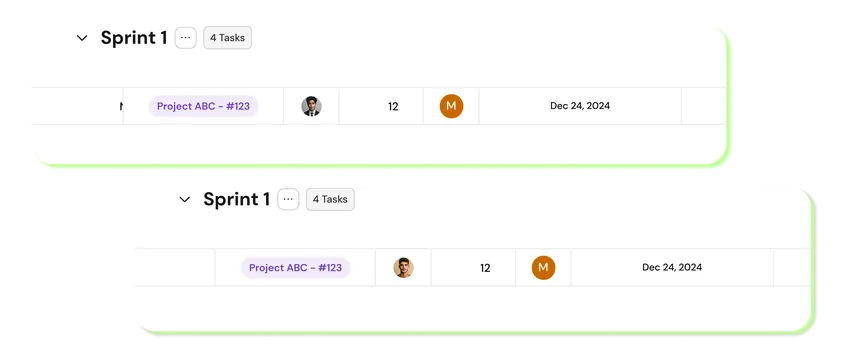
The Gamified Layer
MagicTask runs on the work your crew already does. Every task closed out builds visible progress, so a long job feels like it is moving instead of being an endless punch list.
The steady work that keeps a job on schedule rarely gets called out. MagicTask builds in a bit of recognition for it, a marker for hitting a milestone, so the crew sees the ground they've covered, not just what's left.
The PM in the trailer and the foreman on the deck work off one plan, so there are not two versions that drifted apart by noon.
When a task is assigned with the details attached, the crew can start without tracking someone down to ask what was meant.
The person who closes out punch-list items every day earns progress and rewards, not only the person who ran the big pour.
The Comparison

Group texts and calls move fast, but the one message that mattered scrolls off before the sub reads it.
The large construction platforms do everything, at a price and setup time that make sense for the largest firms. Most crews never adopt them.
A whiteboard on the wall works until you leave the trailer, and nobody off site can see it.

MagicTask keeps the whole job visible in one place, simple enough that the crew keeps using it after week one.
14-day free trial • No credit card required