






The term runs on deadlines nobody can see
Report cards, parent conferences, and accreditation paperwork all land in the same two weeks, and each one lives in a different inbox.

Coordinate lesson planning, school events, and administrative work in one shared workspace, with game progress and rewards alongside everyday tasks.
14-day free trial • No credit card required






Why It Matters
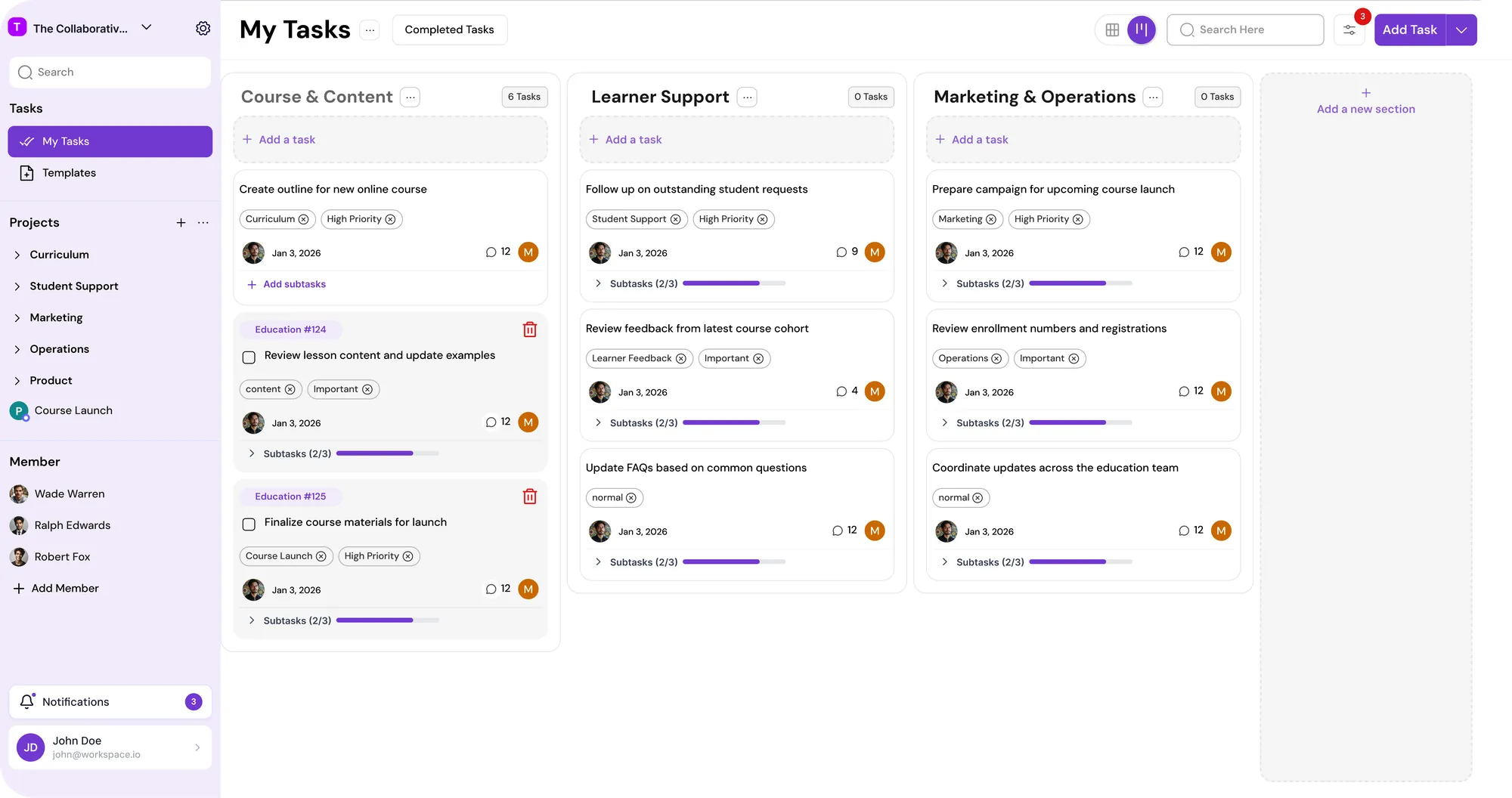
Teachers, administrators, and support staff on one plan
Fits the way your department already plans the term
Quick and simple setup, ready before the first bell
The Problem
Report cards, parent conferences, and accreditation paperwork all land in the same two weeks, and each one lives in a different inbox.
A field trip needs permission slips, a bus, and a budget sign-off. Three people assume someone else has it, and the deadline passes.
Every department has tried a shared board. It looks great at orientation and goes quiet by the first long weekend.
WHAT YOU RUN
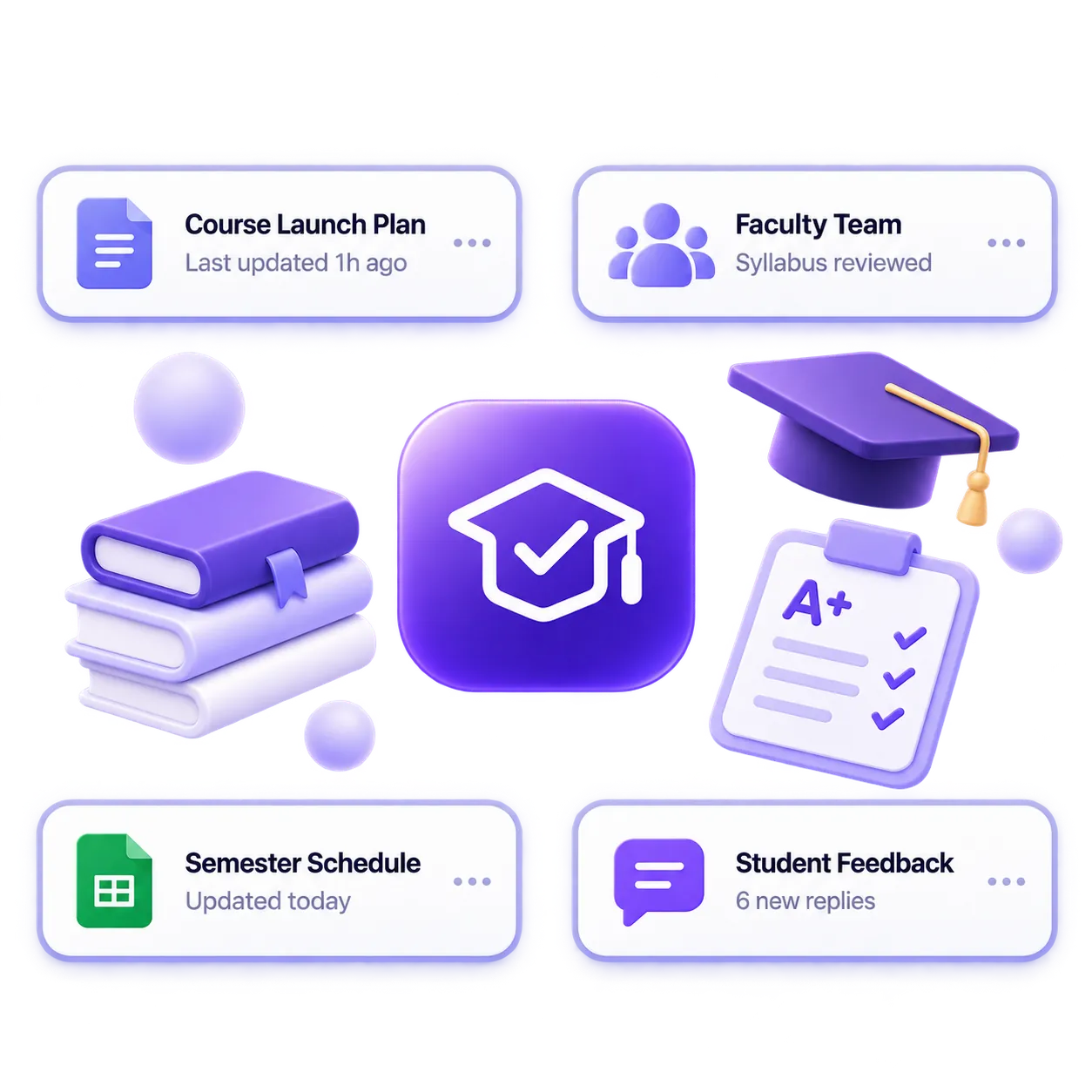
Course development, lesson planning, content reviews, and publishing.
Onboarding, follow-ups, requests, and the support workflows that repeat.
Admin work, events, schedules, and the day-to-day coordination that holds things together.
Campaigns, launches, social content, partnerships, and enrollment drives.
Feature work, platform fixes, releases, and sprint planning.
The Platform
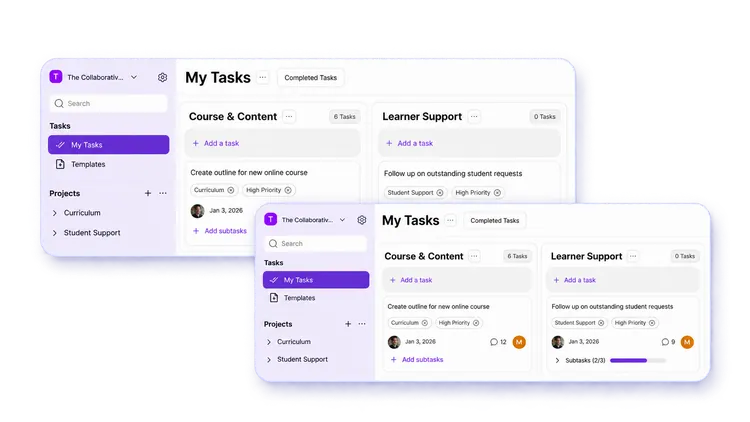
A request comes up in the hallway. Type it, press Enter, add a due date and owner in one step, and it is on the list before the next period starts.
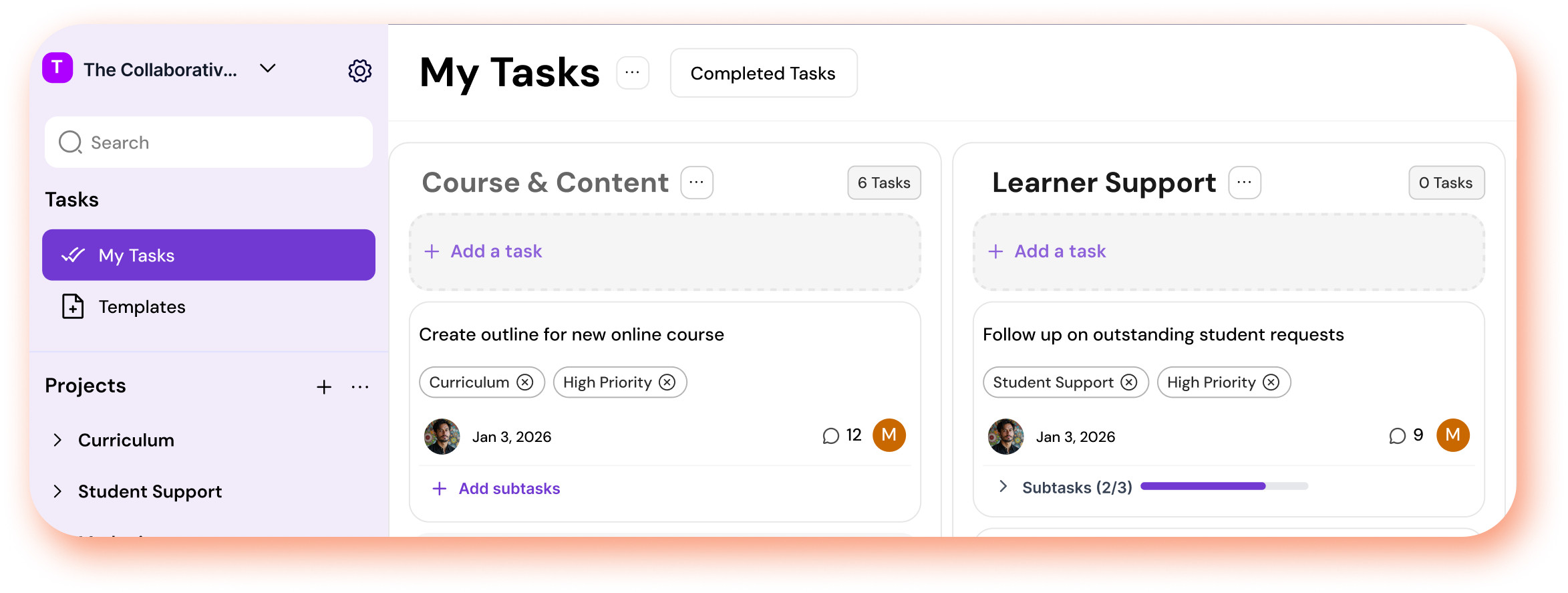
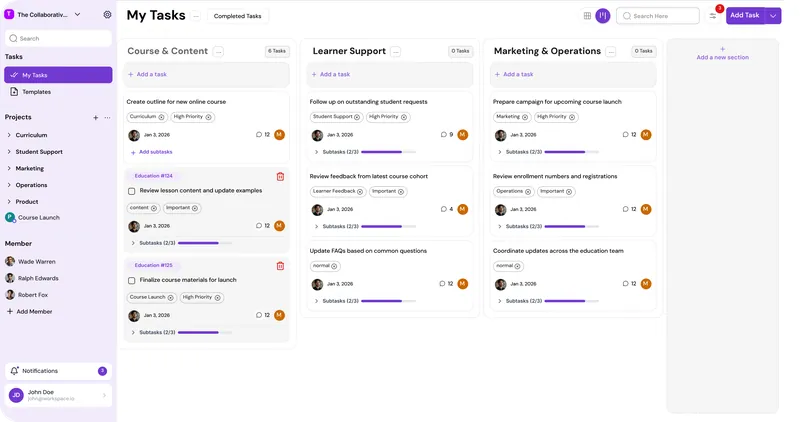
Curriculum, assessment, events, and compliance each get a section, and tags sort by grade, subject, or committee.
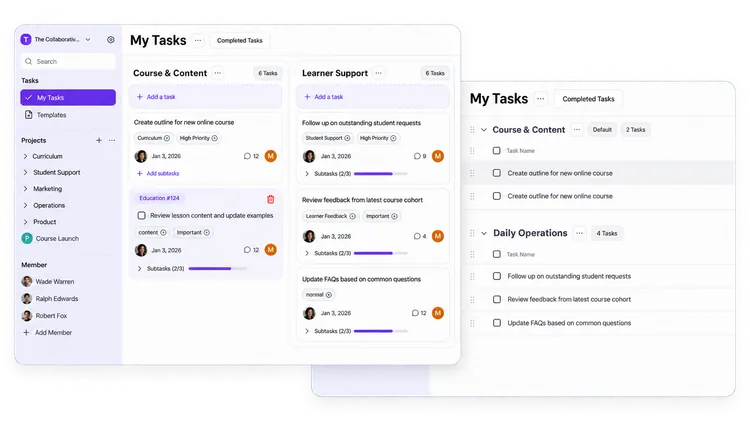
Department heads see an ordered list of every deadline. Teachers work from a board they arrange around their week. Both work from the same tasks.
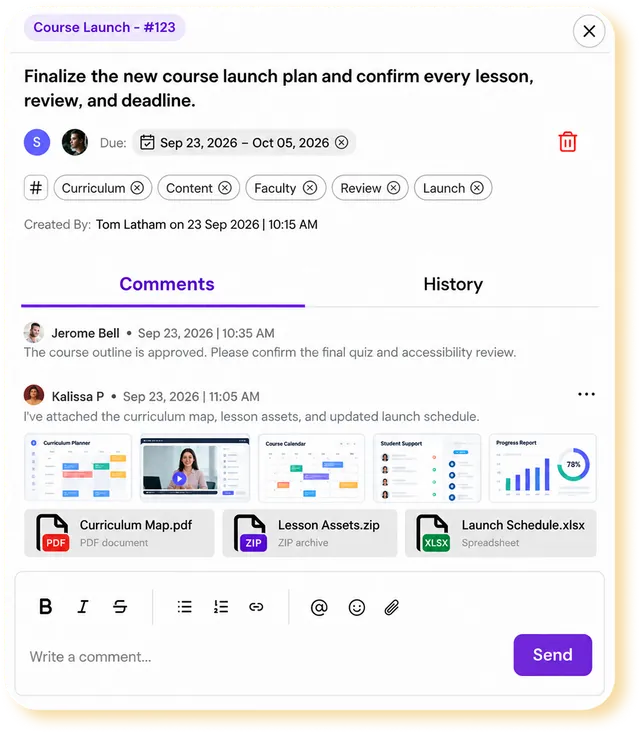
Rubrics, forms, and meeting notes attach to the task they belong to, so nobody searches a shared drive for the latest version.
Search and filter across every project. When the principal asks about the accreditation review, you have it open while they are still asking.
The Gamified Layer
Each staff member picks a Realm, enters one of its Dungeons, and clears it through everyday school work.
Plans, grading, and events all count toward the next milestone.
Clear a Dungeon and open a chest with rewards inside.
The Progression System gives staff a reason to keep the tool updated long after orientation, so what you see is what is really happening.
Every shared task has one owner and one due date, so the permission slips, the bus, and the budget each get done once.
The teacher who posts grades on time every week earns progress and rewards, not only the person who ran the spring showcase.
THE COMPARISON

Email reaches everyone, but a deadline buried in reply fourteen is a deadline nobody sees.

A shared spreadsheet is easy to start. It depends on one person to maintain it, and it stops being true the week that person is out.

Useful in the office, invisible to anyone teaching down the hall or working from home.

MagicTask keeps the whole term in one place and rewards staff for keeping it current, so the plan holds up through the busiest weeks.