




Monday
Agree on the week's tasks, owners, and due dates.

For Team Leads
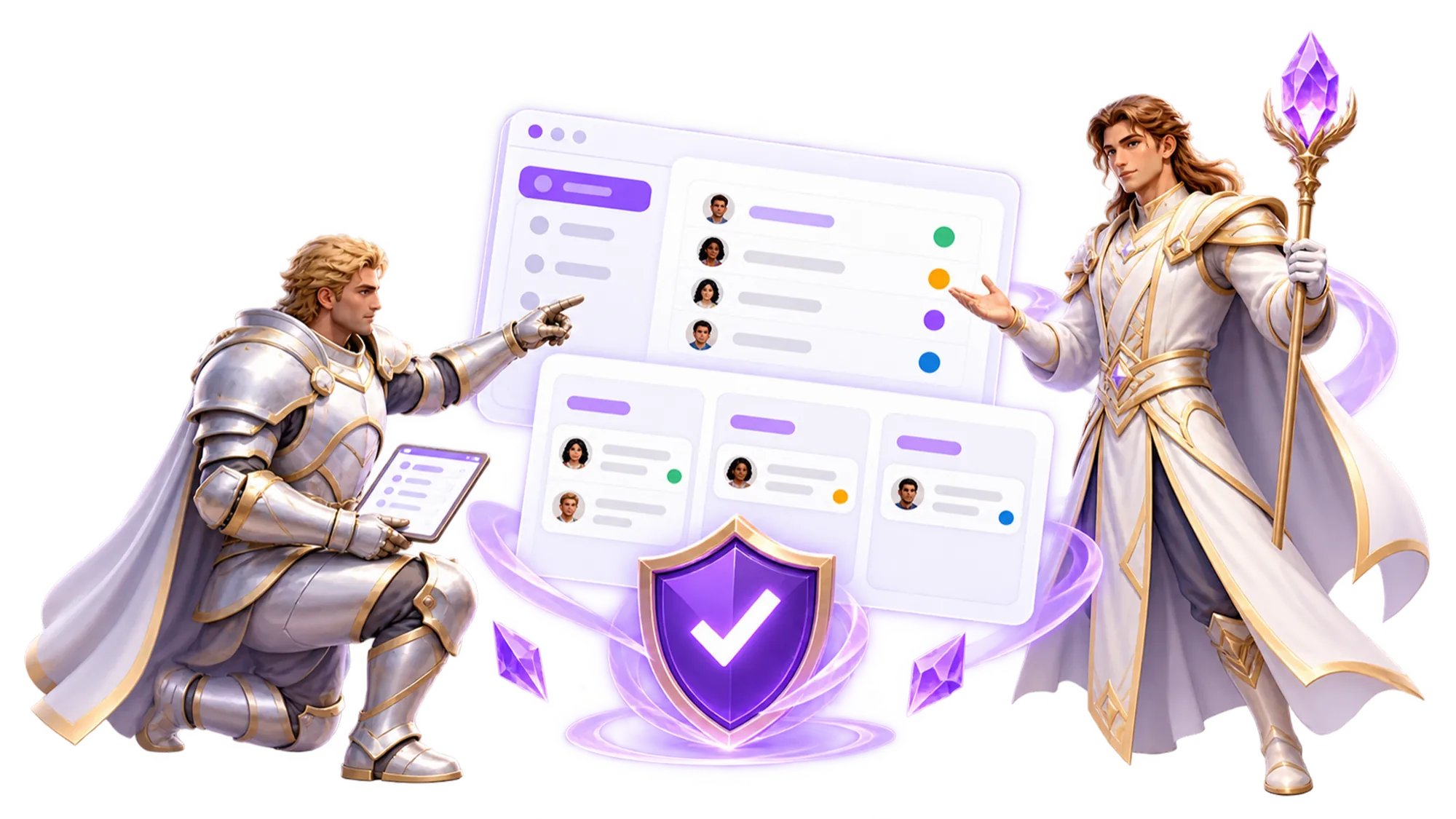
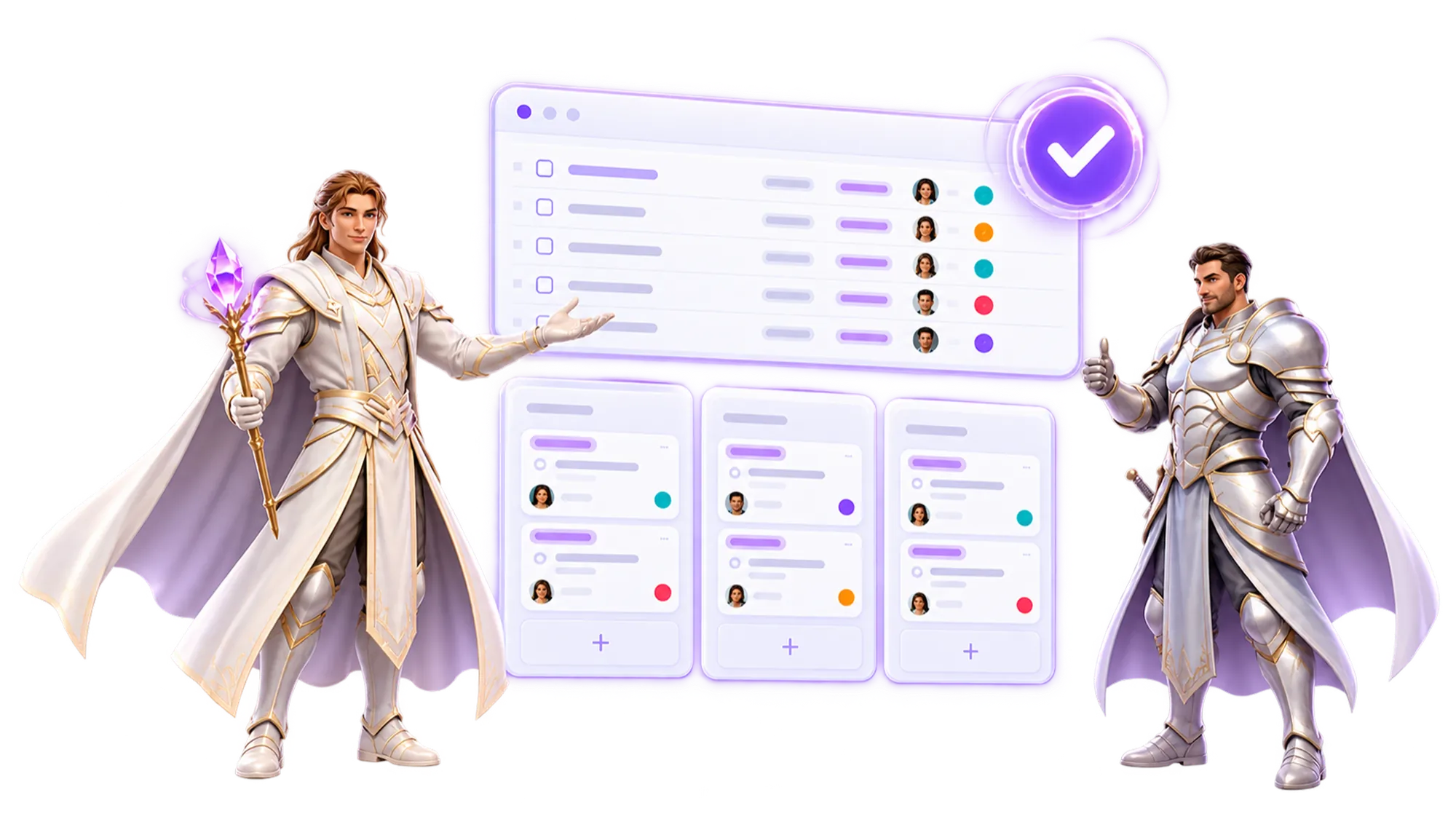
MagicTask combines shared tasks with visible progress and rewards, giving your team a more engaging place to plan and follow the work.
Start Your Free Trial14-day free trial • No credit card required


The Weekly Grind

Monday starts sharp. By Wednesday updates slow down. Friday turns into catch-up. You have had this exact week before, and you will have it again next week if the tool does not change.
A Different Week
Agree on the week's tasks, owners, and due dates.

Review open tasks and ask for context where the work is unclear.
Add updates and comments so teammates can pick up the thread.
Check remaining work and adjust owners or dates as priorities change.
Review completed tasks and decide what carries into the next week.
The Gamified Layer
Realms, Dungeons, progress, and rewards work as one loop that keeps your team coming back on their own, so you spend less of your week reminding and more of it leading.
Everyone picks their own Realm and gets placed in a Dungeon to work through. Their work stays structured without you setting it up every week.
The more consistently your team works, the more chests they earn.
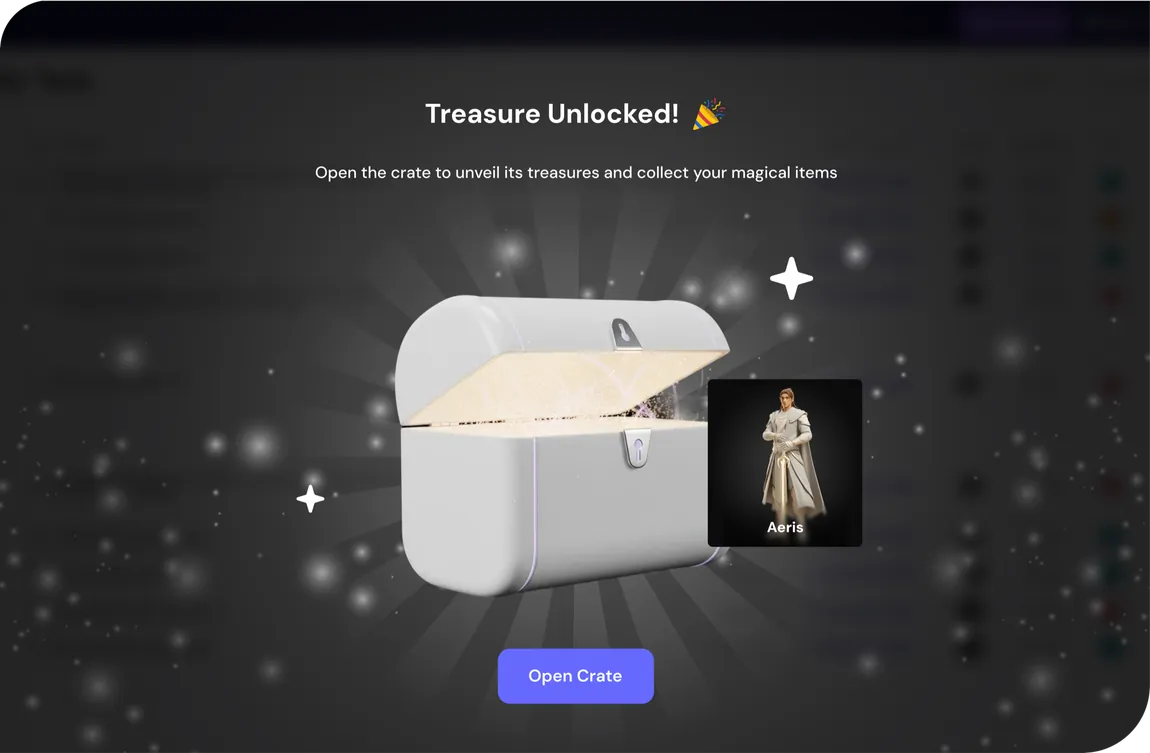
Skins, pets, and backgrounds your team can make their own, so the workspace feels like theirs.
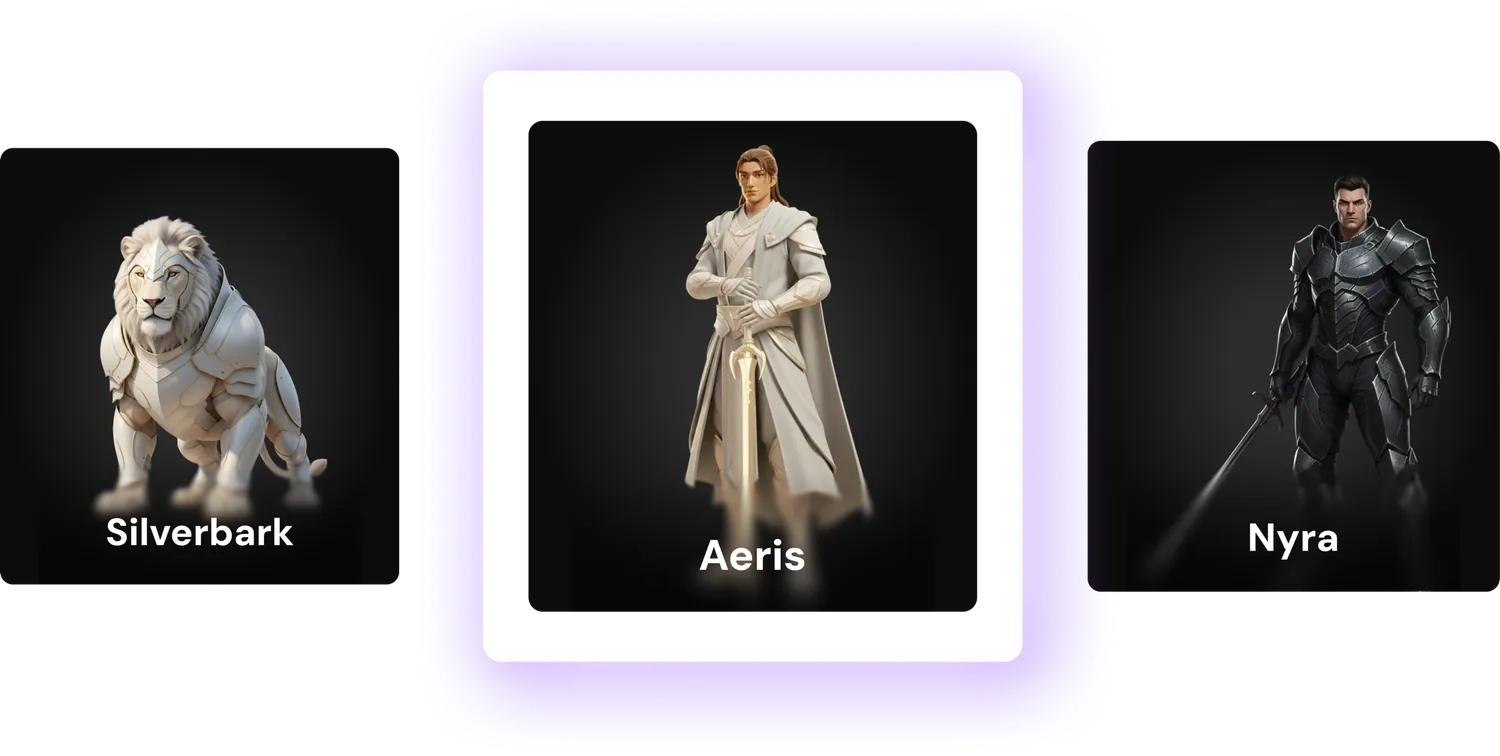
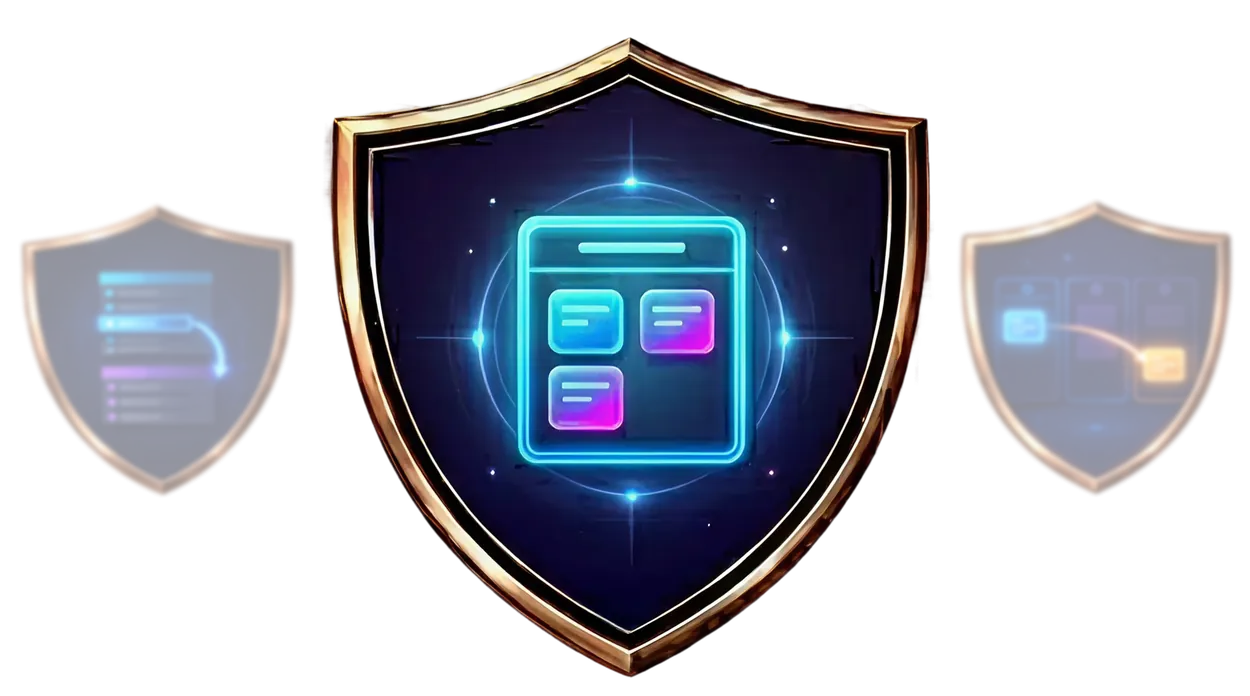
Badges land for milestones and easter eggs turn up along the way, so good work gets recognized without you calling it out.
The Shift
Daily Slack messages just to get a task update
Progress stays visible without asking
Accountability sits entirely with you
The team holds itself accountable
Updates arrive only when deadlines force them
Progress updates in real time, so you know on Tuesday
Wins go unnoticed unless someone calls them out
Effort shows up on its own
Weeks of setup before anyone benefits
Quick and simple setup
The Platform
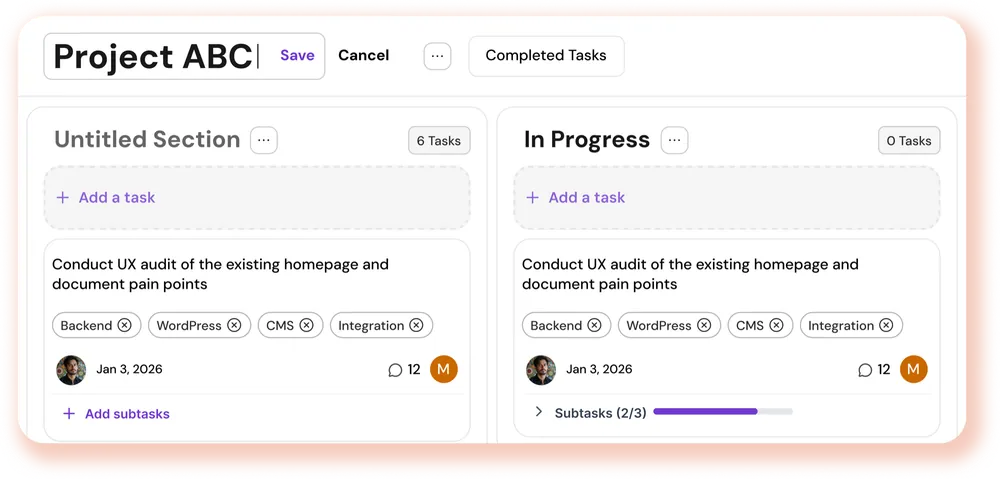
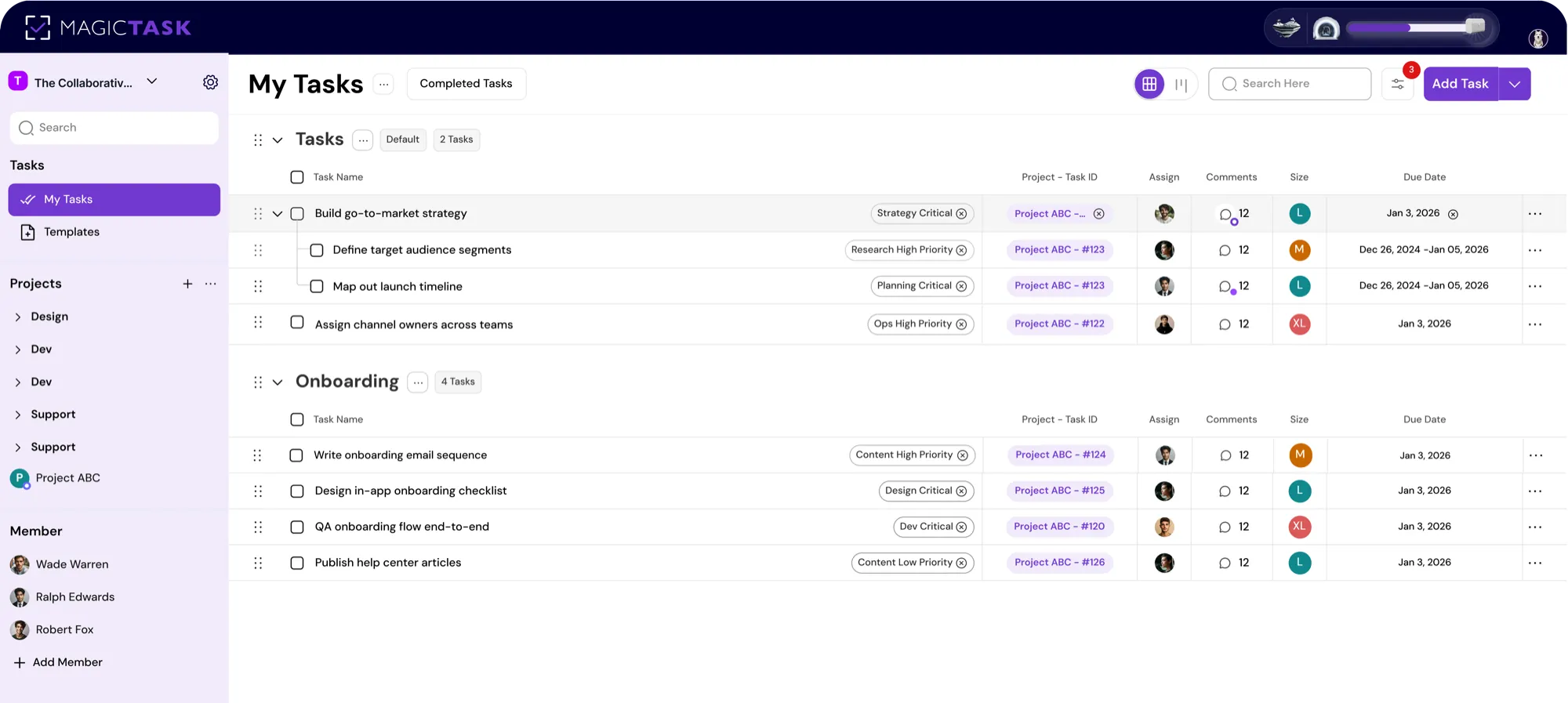
Tasks, subtasks, projects, sections, Kanban boards
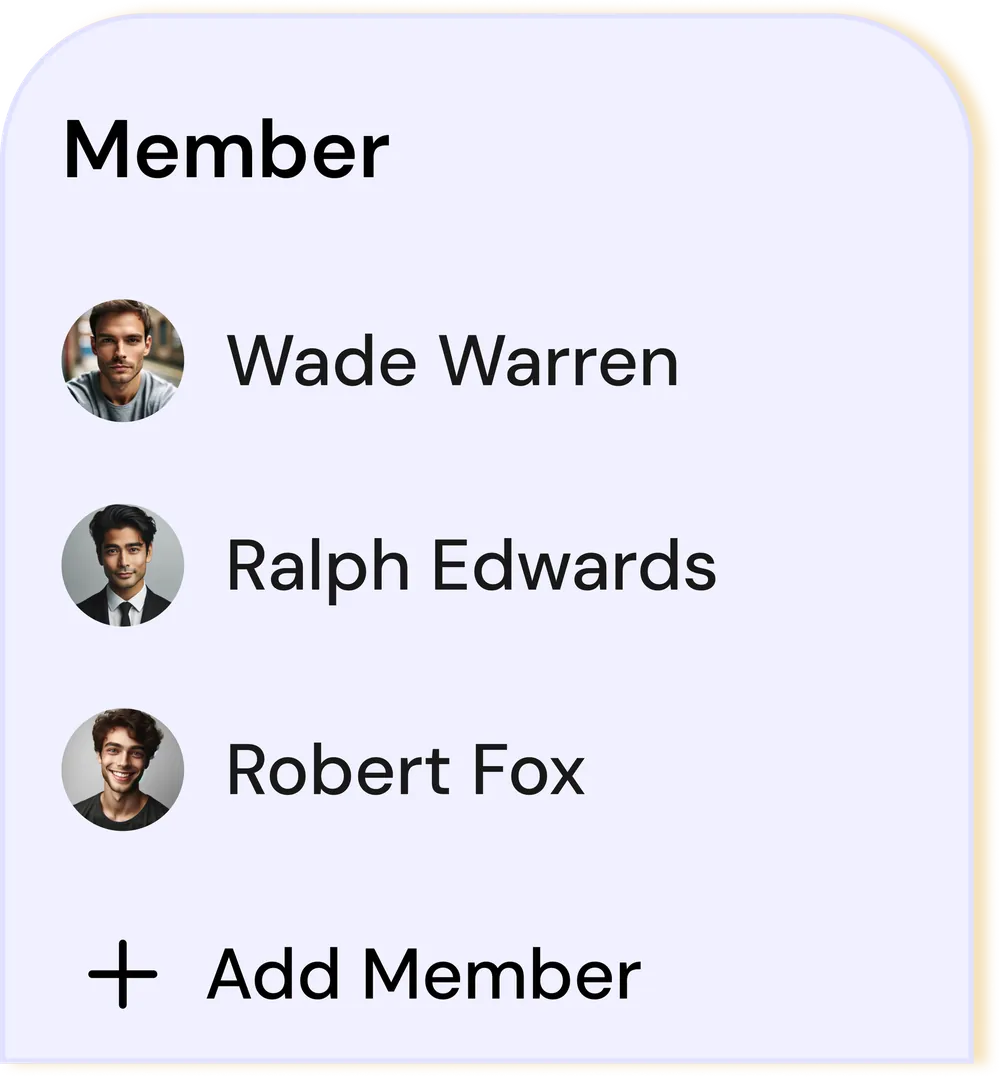
Comments, assignments, shared projects, files, activity history
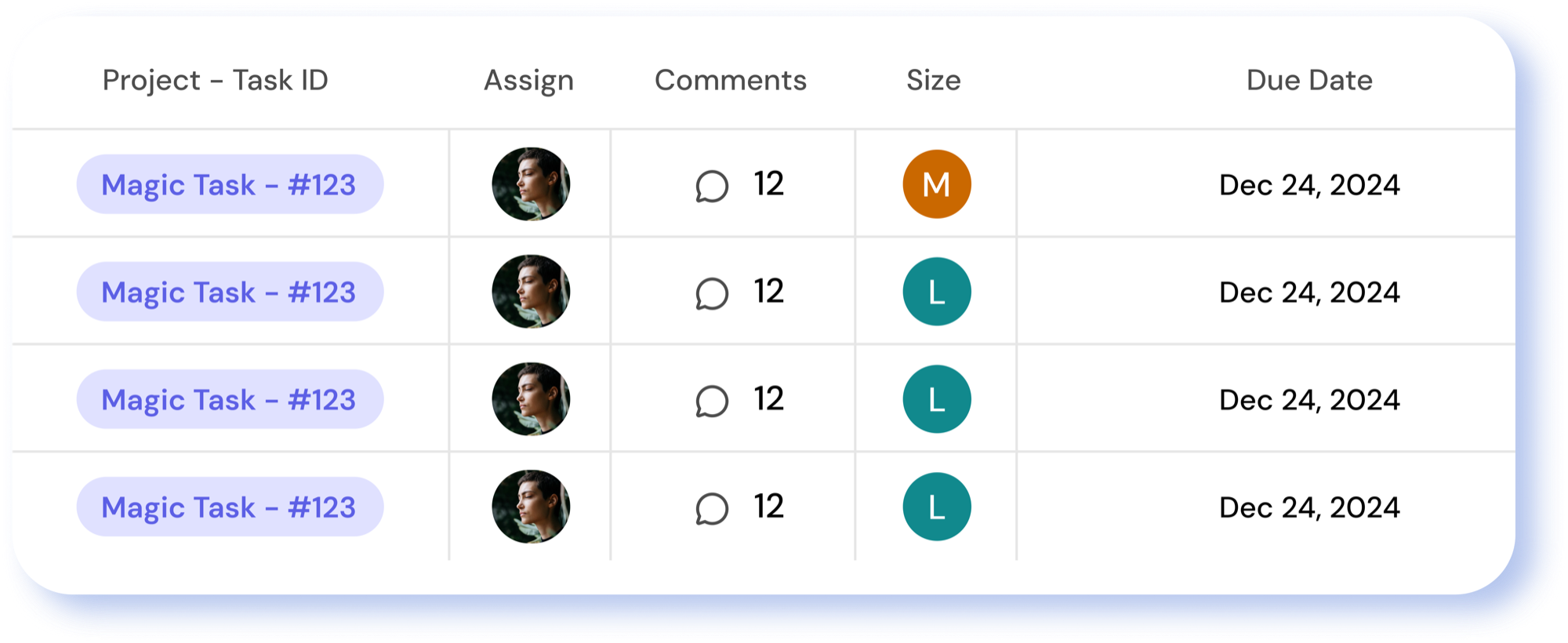
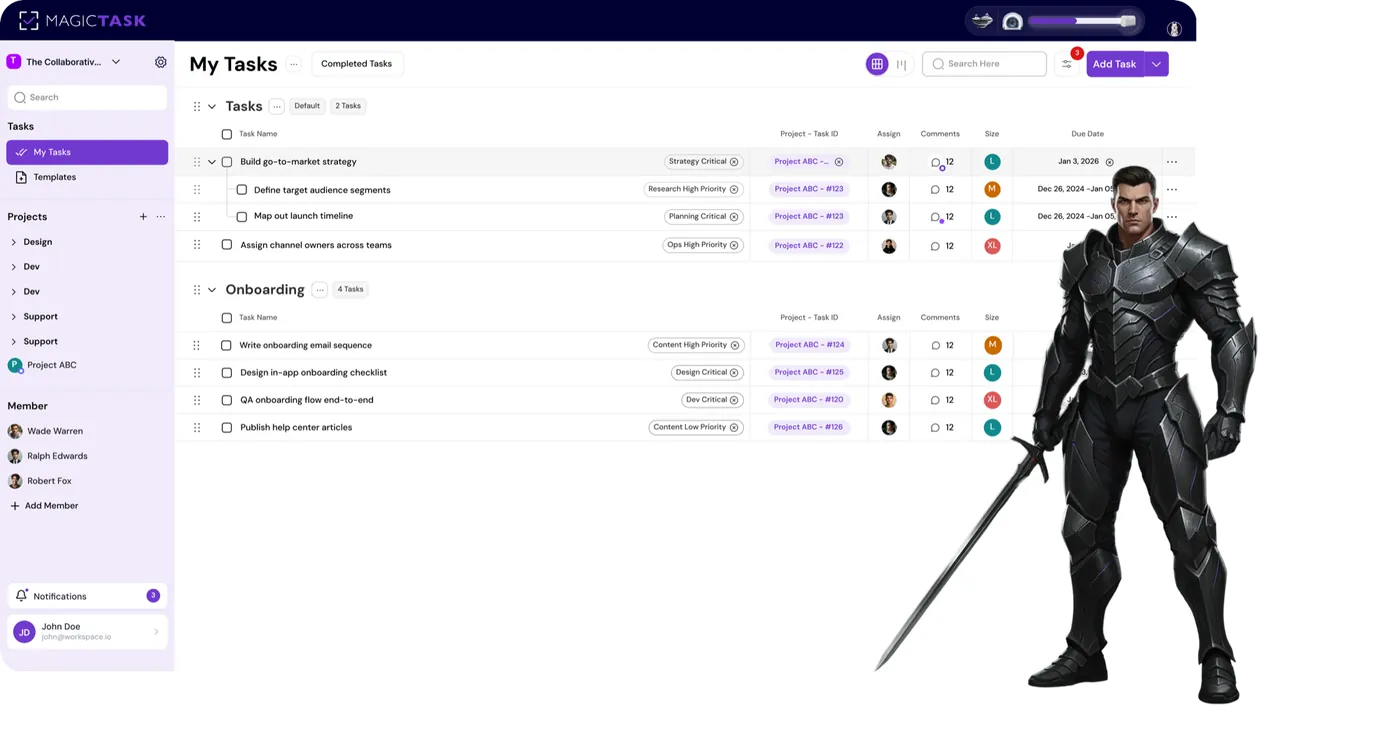
My Tasks, priorities, filters, due dates and search.
Realms, Dungeons, chest rewards, progression, and badges
The Comparison
Daily messages just to get a task update reach everyone, and the update still depends on someone remembering to send it.
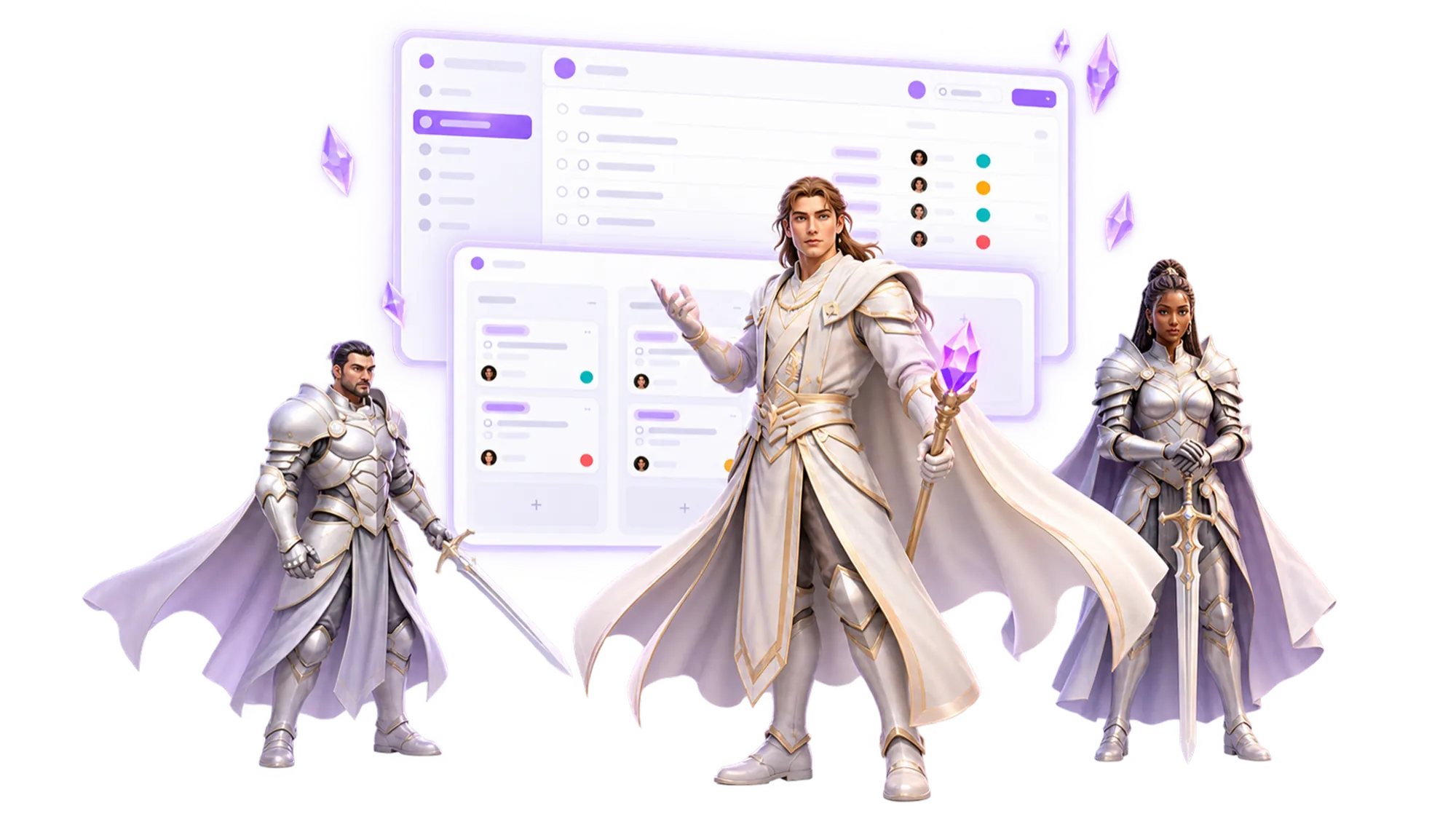
A status doc gets written the hour before the meeting, so it tells you what happened, not what is happening.
They get rolled out, used in week one, and go quiet. The difference is what happens in week six when nobody is reminding anyone.