




Project & Task Management

Full project management.
A more motivating way to work.

Plan tasks, deadlines, and handoffs in one place your whole team keeps current, with a
Progression System that keeps everyone motivated to finish.

Start Your Free Trial

14-day free trial • No credit card required

Project and task management board with planning, development, and launch columns

The Honest Truth

You find out a project slipped after it already has.

  • A handoff sits for days because
    nobody knew it was theirs.
  • A deadline moves and half the team
    hears about it in a meeting.
  • The board is out of date, so you
    ask around instead of checking it.

Project management works when the team keeps the plan current. MagicTask gives them a reason to.

The Difference

A plan your team keeps current

Traditional task tools

  • Work gets buried under menus
  • Setup turns into a project itself
  • Progress stops at the checkbox
  • Recognition happens somewhere else

MagicTask

  • Tasks and projects are easy to find
  • Quick and simple setup
  • Every task builds visible progress
  • Recognition is built in

What You Get

Everything you need to move work forward

Capture work quickly

Type a task and press Enter. Set size, due date, tags, and an owner in the same step, then add subtasks, reorder, or edit in bulk.
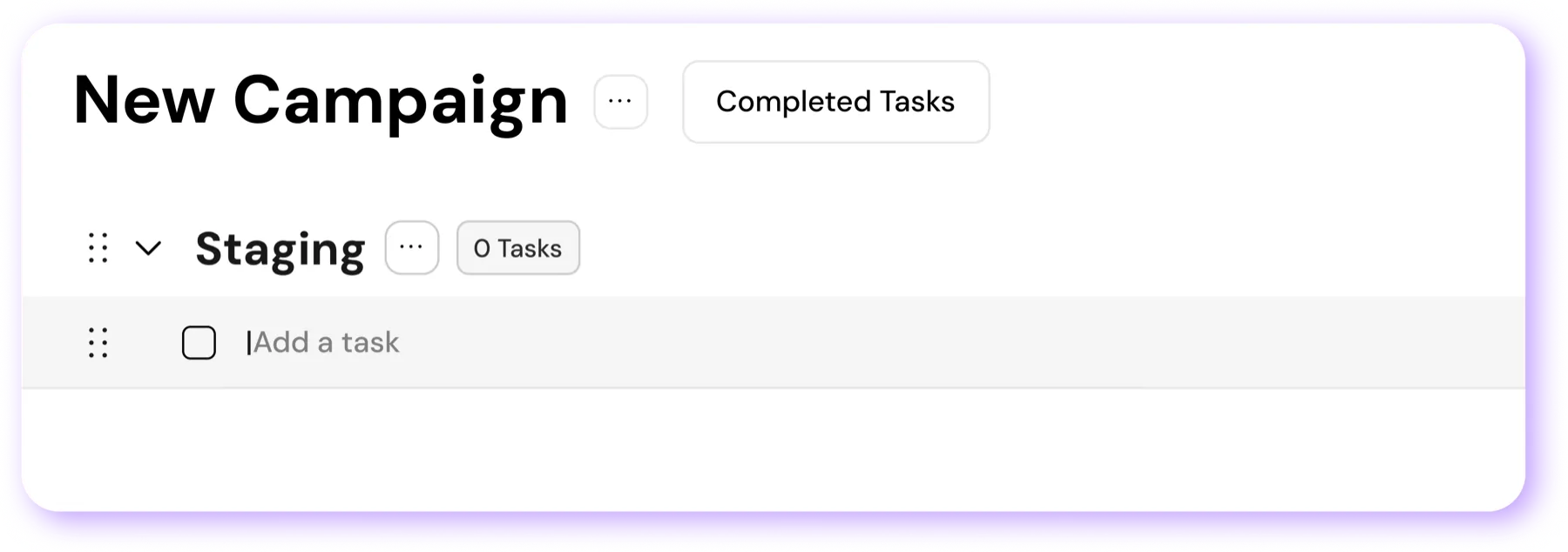

New Campaign workspace with a Staging section ready for tasks

Organize it the way you think

Projects hold the big picture, sections break the work down, and tags sort it however your team needs.
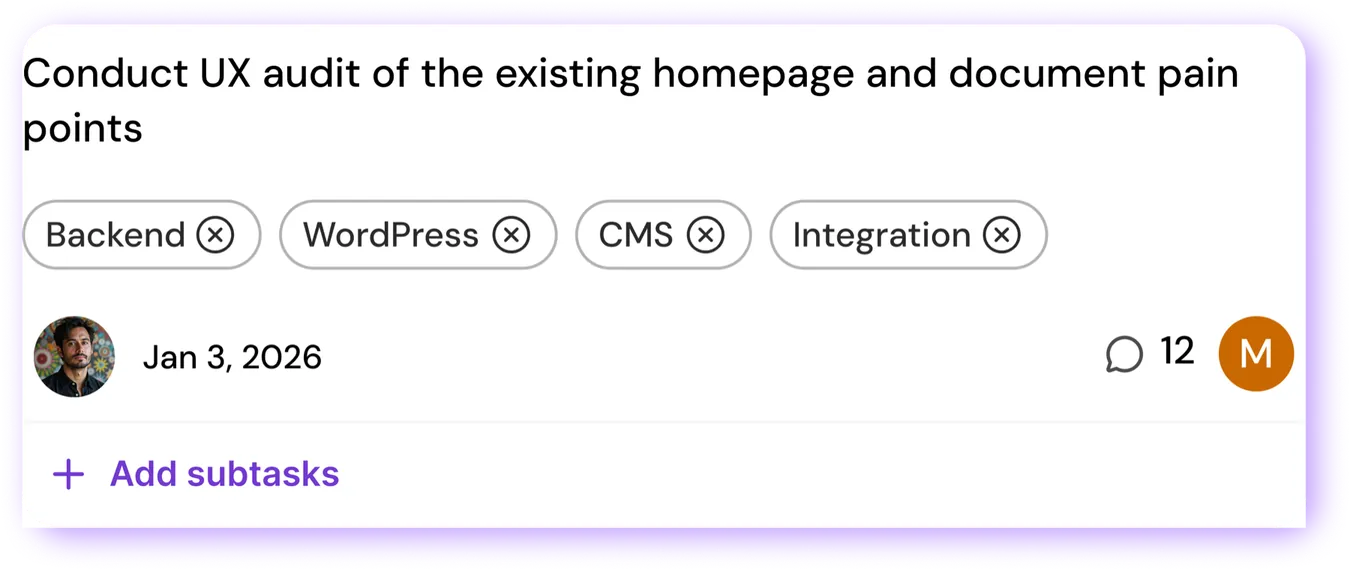
Task with project tags, owner, due date, comments, and subtasks

Switch between List and Board

Work in List view to focus and Board view to manage. Switch at any time and your sections carry over.
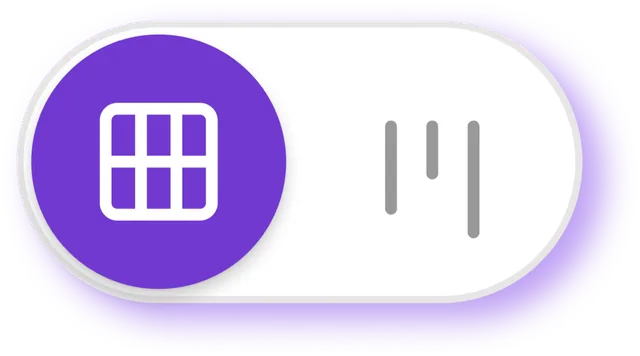
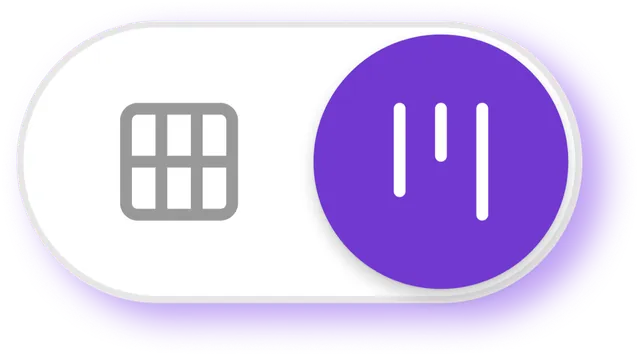
List view selected in the view switcher Board view selected in the view switcher

See your workload at a glance

Task size, owner, due date, and comment count show without opening a task, so you know what needs attention now.
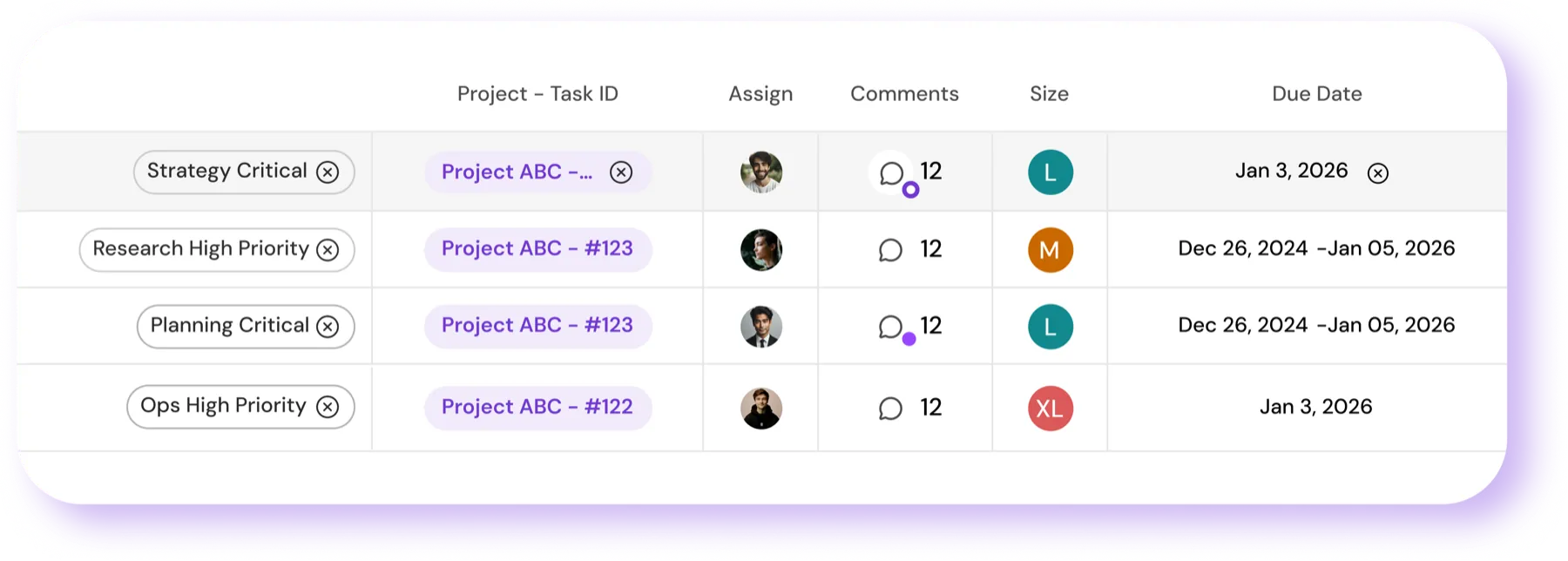
Task table showing project, owner, comments, size, and due date

What Changes

Less time on the tool,
more time on the work

Before

  • Days spent setting up the tool
  • Tasks spread across tabs
  • Nobody is sure who owns what
  • Progress is hard to find
  • The tool is one more chore

After

  • Quick and simple setup
  • Every project and task in one place
  • Clear owners, due dates, and priorities
  • Work and progress are visible to all
  • The tool is easy to keep up with

The Bonus

A reason to keep the board current

Under the task management is a real game. Finish tasks, earn rewards, and watch every completed item turn into visible progress.

Progress you can watch build

Rewards for showing up every day

A reason to keep momentum going

Keep every task in one place.
Move every project forward.

Get a Free Demo