


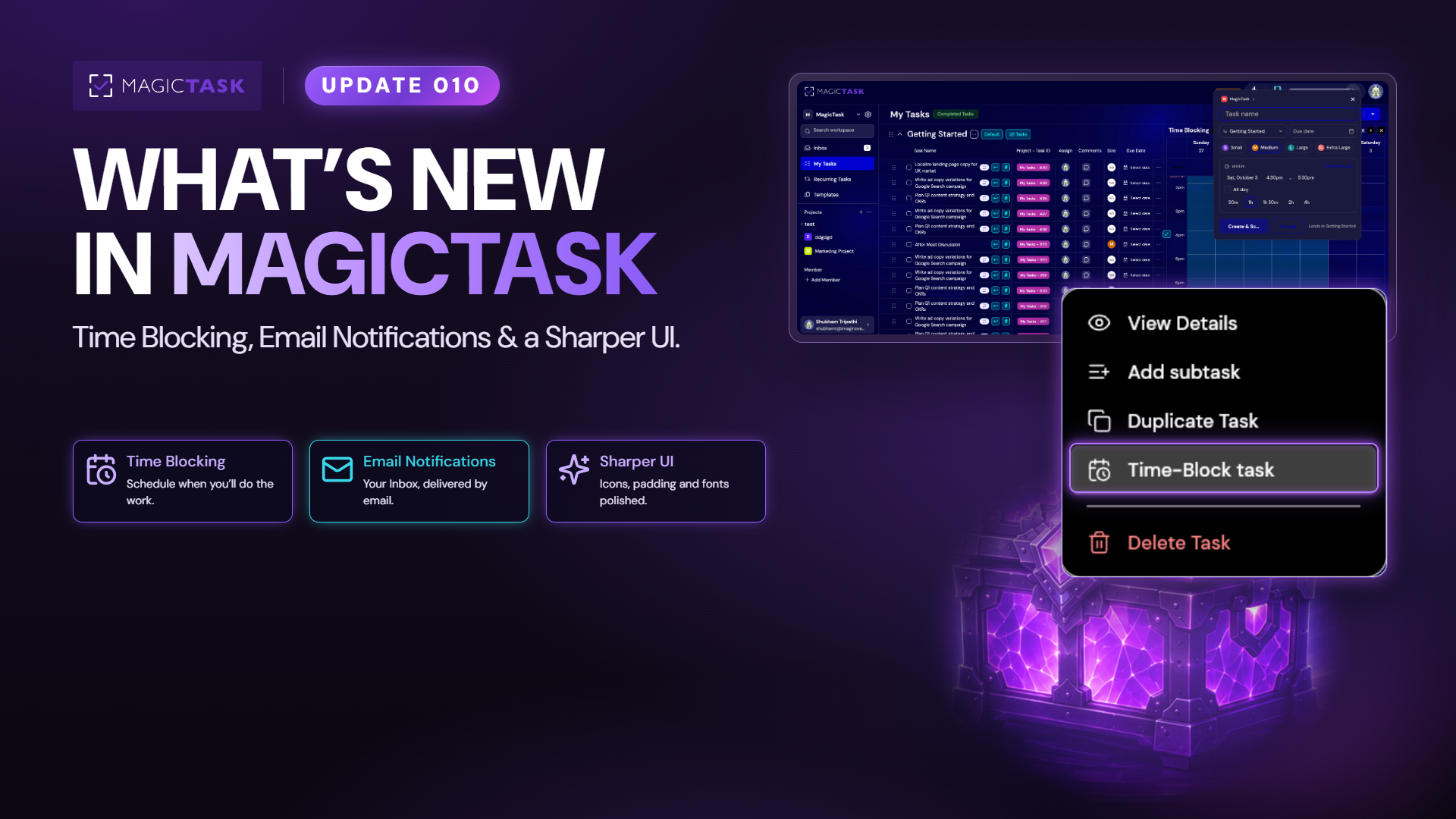
Your task list knows what you have to do and when it’s due. It has never known when you’re going to do it. That’s where plans quietly come apart. Time Blocking closes that gap. Email notifications keep you in the loop when you’re nowhere near the app. And the whole interface got a fresh polish.
Here’s everything that landed.
Time Blocking: pick when you’ll actually do the work
Time Blocking lets you pick a time on your calendar to actually work on a task, separate from the date it’s due. A time block is the slot you set aside to do the work.
Big task? Give it several blocks instead of pretending it fits into one sitting. Plans move, and blocks move with them: drag a block to a new time, make it longer or shorter, or remove it. None of that changes or deletes the task itself.
Double-booked yourself? MagicTask warns you when two blocks overlap and then gets out of the way, because sometimes you meant it. It can flag clashes with your Google Calendar events too.
Finishing one block marks only that block as done. Finishing the whole task marks all of its blocks as done.
Connect Google Calendar and every block also appears there as an event. Changes made in either place carry over to the other, without creating duplicate events.
Email notifications: your Inbox, delivered 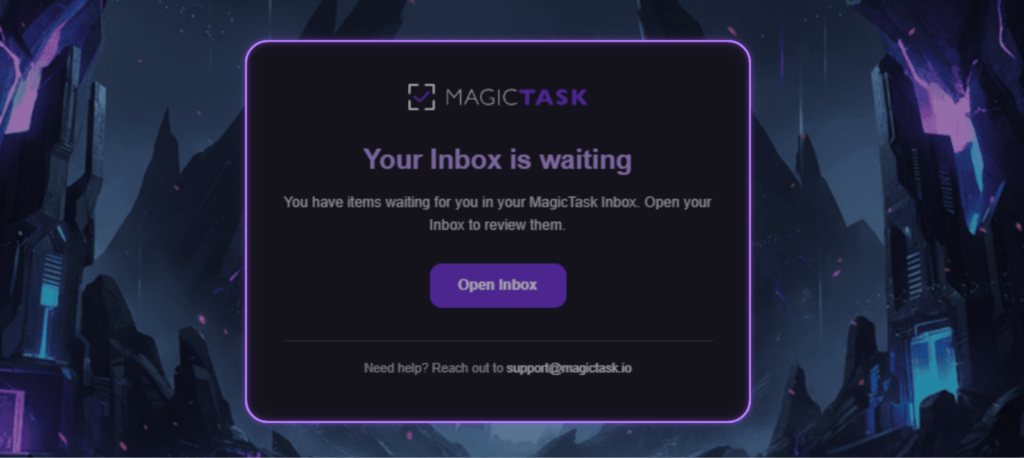
Not everyone lives inside MagicTask all day. So we now send you a recurring email summarizing the activity recorded for you in your MagicTask Inbox, which means you can catch up without opening MagicTask.
It’s a reminder, not a second inbox to manage. Your Inbox read, cleared and snoozed states stay exactly as you left them, so nothing gets marked done behind your back.
Other fixes and improvements
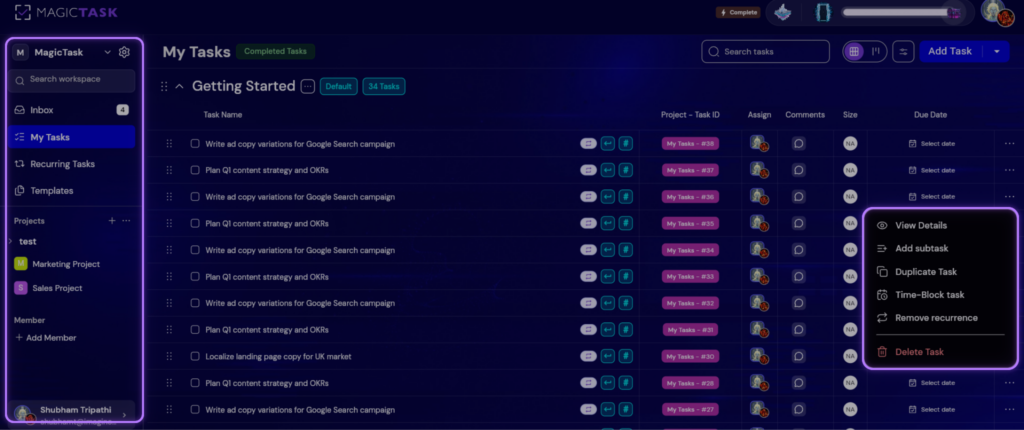
The UI got a proper revamp this build. Icons updated, padding fixed, fonts cleaned up in various places. So a more polished MagicTask everywhere you look. Emojis are far easier to use now, and walking back through a task’s history takes a fraction of the effort it used to.
Go try it
That’s Update 010. Block out the hours for the work that matters, let the email bring the rest to you, and enjoy the fresh coat of paint.
Missed an earlier release? They’re all on the What’s New page.