


Knowing what’s on your plate was never the hard part. The hard part is knowing whether it’s moving, why you’re creating the same task for the fifth week running, and what landed while you weren’t looking.
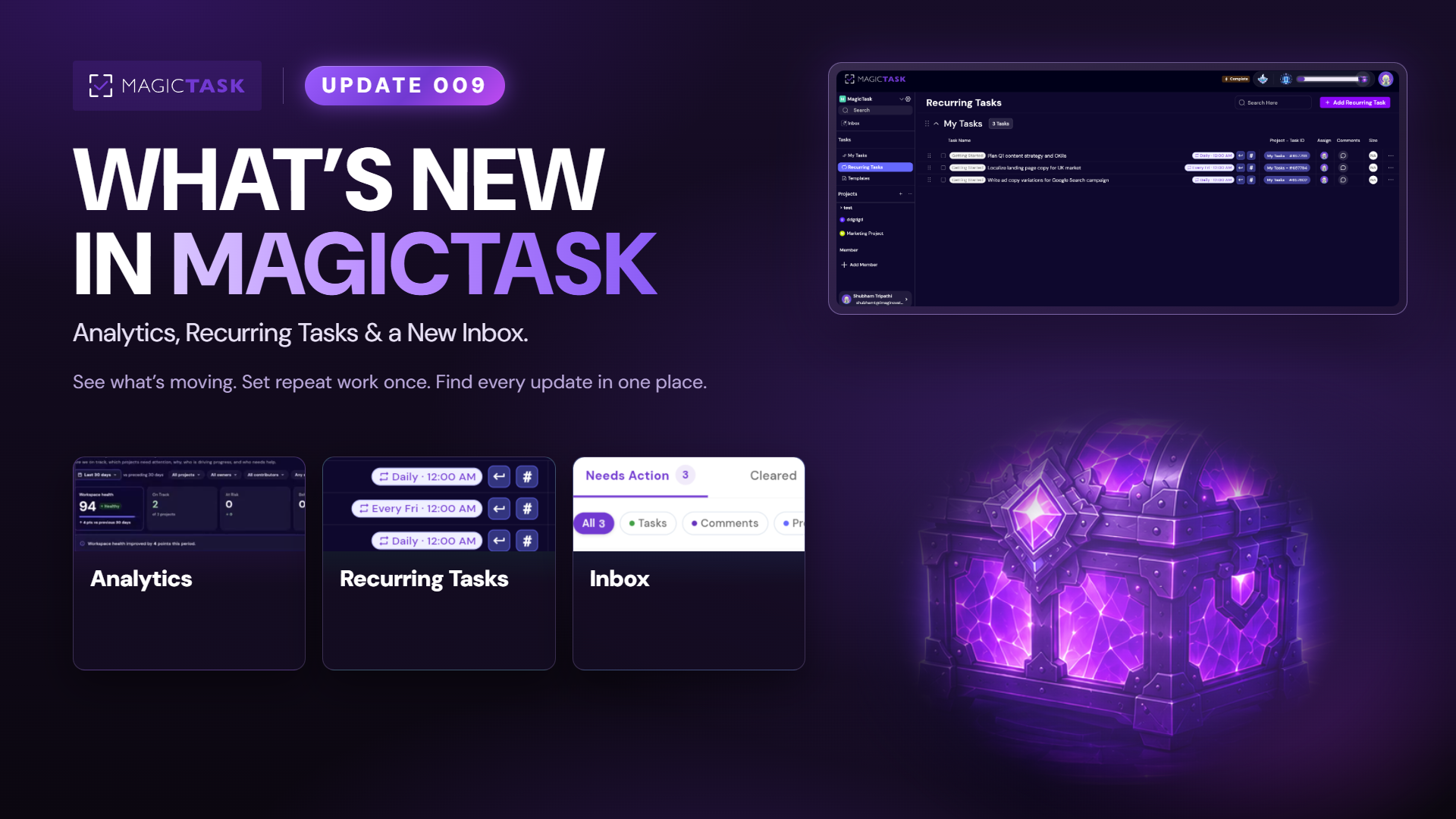
Update 009 goes after all three. Analytics shows how the workspace, each project and your own week are really going. Recurring Tasks let you set up repeating work once and let it show up on schedule. And your notifications finally have a proper home in the new Inbox, so you can find every task assigned, comment mention and update without digging.
Here’s everything that landed.
Recurring Tasks: set it up once
Recurring Tasks let you set a task up once and let MagicTask create a fresh copy on schedule. Choose how often it repeats: every day or every few days, on certain weekdays every week or every few weeks, on a set date every month, or on a set date every year. You can also pick a time for the new task to appear.
The schedule follows the time zone of the person the task is assigned to and editing the master Recurring Task reflects changes in future copies too. Editing or finishing one copy never affects the others.
Analytics: see what’s on track and what’s stuck
Analytics comes in three layers, depending on how far back you want to stand.
Workspace Analytics is the big picture for owners and managers: a Workspace Health Score from 0 to 100, a band that tells you whether the workspace is Healthy, and how many projects are At Risk or falling behind.
Project Analytics zooms into a single project and answers the questions everyone asks in a status call. Is the project keeping up with incoming work? Are tasks moving forward or getting stuck? Who is contributing most?
Individual Statistics is the personal one. Your work and your completion rate on the Productivity side, your MagicTokens, Realm and dungeon progress on the Gamification side.
Inbox: everything that needs you, in one place
Someone assigns you a task. Someone mentions you in a comment. You get invited to a workspace, or something changes in a project or in your gamification progress. All of it now lands in Inbox, right in the sidebar.
One place for every update that involves you, so you stop hunting through projects and comments to find what needs your attention. Mark an item Done, Snooze it for later, or open it straight away.
Anything you clear moves to Cleared, which shows when you cleared it. Anything you snooze moves to Snoozed, which shows when it’s coming back.
Other small fixes
Plenty of smaller things got sorted in this build too. Multi select got better, filters got an upgrade, and tagging became much smoother. User Preferences and Project Templates from the last release both got better as well.
Go try it
That’s Update 009. Check how things are really going, let the repeat work show up itself, and clear your Inbox.
Missed an earlier release? They’re all on the What’s New page.